RSI, MACD & Trend Magic EA
15-minute RSI entries, MACD and Trend Magic filters · MT4, MT5 & cTrader
- Signal
- RSI
- Filter
- MACD + Trend Magic
- Timeframe
- M15

Overview
Boost your trading with our pre-built Expert Advisor (EA) based on an RSI strategy. No need for manual chart watching—this EA executes trades for you with precision and speed.
While RSI alone may give false signals, this EA combines RSI, MACD, and Trend Magic indicators to confirm every trade. Built on a 15-minute timeframe, it delivers accurate entries, smart stop-loss levels, and flexible risk-to-reward targets. Whether you’re a beginner or a seasoned trader, you’ll save time and avoid emotional mistakes—letting the EA handle everything automatically.
- Read the strategy write-up →An Easy-to-Follow RSI Trading Strategy
- More Momentum & Oscillator Expert Advisors →
- Changelog →Version notes, newest first
Specifications
SPEC SHEET
- File
- RSI_MACD_Trend_Magic (.ex4 · .ex5 · .algo)
- Signal
- RSI
- Filter
- MACD + Trend Magic
- Timeframe
- M15
- Platforms
- MT4 · MT5 · cTrader
- Licence
- 1-year licence · 1 trading account
- Delivery
- Instant download after payment
- Support
- Installation and setup help
Questions before you buy
What do I receive after purchase?
You’ll get the full Expert Advisor (EA) ready to install and use immediately.
Do I need prior trading experience?
Not at all—the EA runs automatically, but clear instructions are provided.
Can I adjust risk settings?
Yes, the EA includes customizable stop-loss and risk-to-reward parameters.
Licence, delivery and refunds
How many accounts can I use one license on?
One EA licence covers 1 trading account for 12 months. Moving it to another trading account is done by our support team. Indicators (POI Box, IDM, PaLine): Licensed through the @AtaQuantBot Telegram bot (Free / Pro).
What exactly do I receive after payment?
Instant download after payment. In your account: the compiled EA file for the platform you bought (.ex4 for MT4, .ex5 for MT5, .algo for cTrader) under Downloads, and the licence key (1-year licence, 1 trading account) under Licences. An e-mail confirms the payment and that the licence is ready; the key itself is never e-mailed. Setup help is a support ticket away.
How is the licence activated (account number)?
Copy the licence key from your account into the EA's inputs and start the EA on your trading account. On the first start the EA sends the key, the trading account number, the broker server and the platform to our licence server, and the licence binds to that account by itself (1 trading account per licence). Your account lists the bound account under Licences; to move the licence, free the slot there or open a support ticket.
Do I get the source code?
Shop products (ready-made EAs and indicators): compiled file only, no source code — they ship as compiled files (.ex5 / .ex4, or the TradingView invite). Custom development (code written to your order): the readable source is delivered on final payment (see Custom work). No product may be resold.
How long do I receive updates?
New versions of an EA are downloadable while its licence is active (updates for 12 months). Buying the same EA and platform again while the licence is active, or within 30 days after it ends, extends the same licence key by 12 months.
Can I switch platform later?
A licence is for one EA on one platform: MetaTrader 4, MetaTrader 5 and cTrader each have their own file and price. To run the EA on another platform, buy that platform's version; it comes with its own licence key. Picked the wrong platform? Contact support before you download the file.
Is there a refund policy?
EA purchases: no refunds after the EA file has been downloaded. See the Refund Policy for full terms.
Can I resell or distribute the product?
No. The license is for personal or in-company use. Reselling or redistributing the files is not permitted. B2B fleet licensing for desks distributing the tool internally to traders is a separate agreement — contact us for terms.
RSI Exit Zone EA
RSI Exit Zone reversal entries · Forex
- Signal
- RSI Exit Zone
- Markets
- Forex
Platforms: MT4MT5cTraderfrom $400
Stochastic RSI MACD EA
15-minute trend entries from Stochastic RSI and MACD · MT4, MT5 & cTrader
- Signal
- Stochastic RSI MACD
- Timeframe
- M15
Platforms: MT4MT5cTraderfrom $450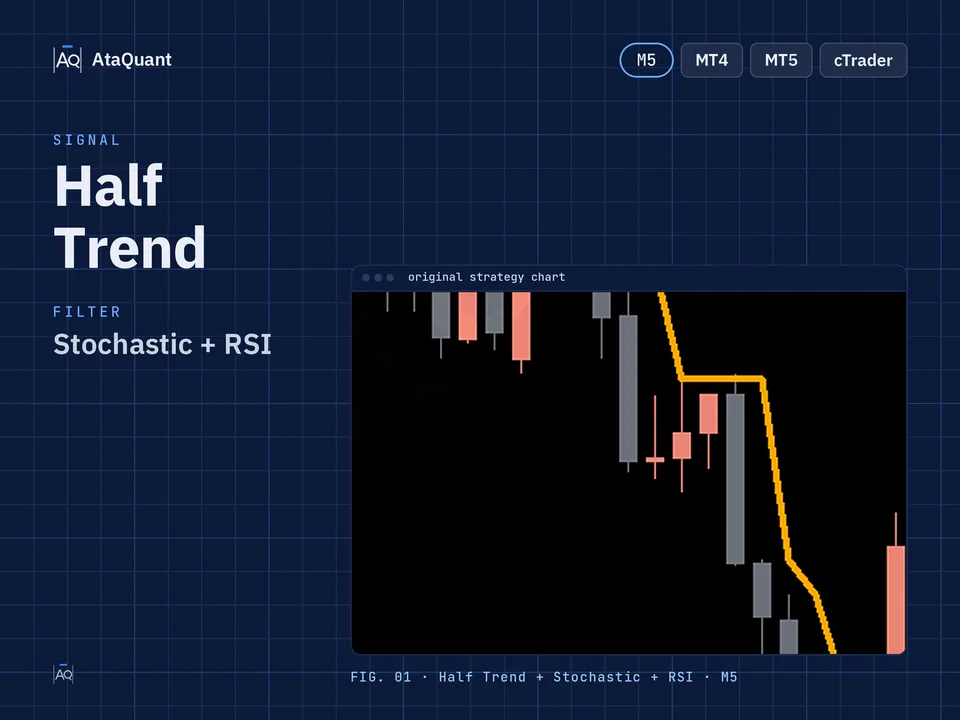
Half Trend, Stochastic & RSI EA
5-minute Half Trend scalping, Stochastic and RSI filters · Forex & crypto
- Signal
- Half Trend
- Filter
- Stochastic + RSI
- Timeframe
- M5
- Markets
- Forex · Crypto
Platforms: MT4MT5cTraderfrom $400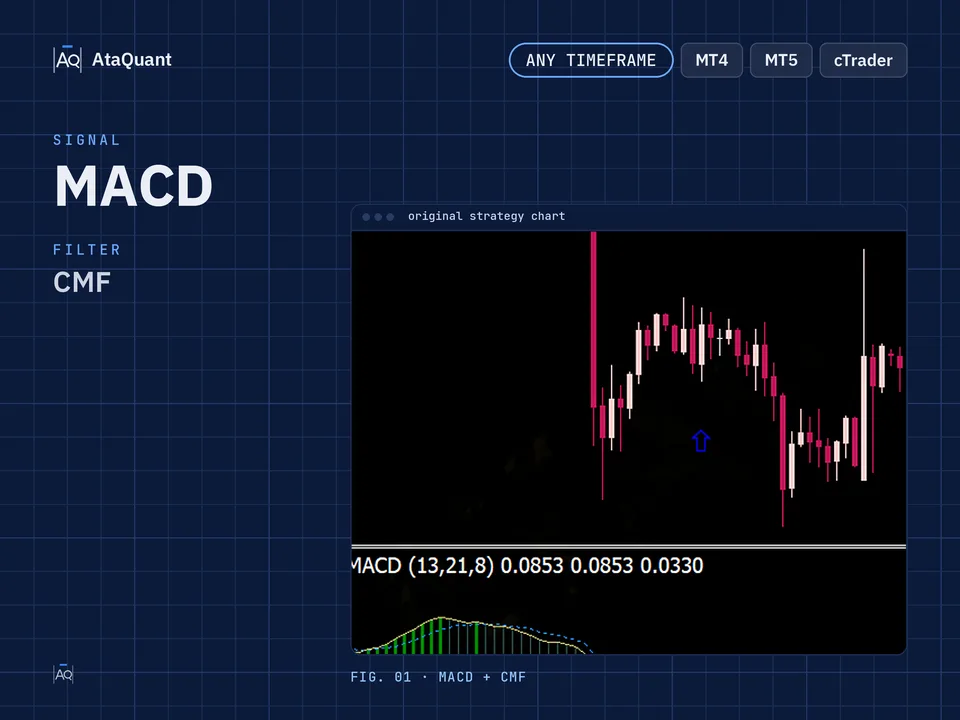
MACD & CMF EA
MACD trend entries confirmed by Chaikin Money Flow · MT4, MT5 & cTrader
- Signal
- MACD
- Filter
- CMF
Platforms: MT4MT5cTraderfrom $450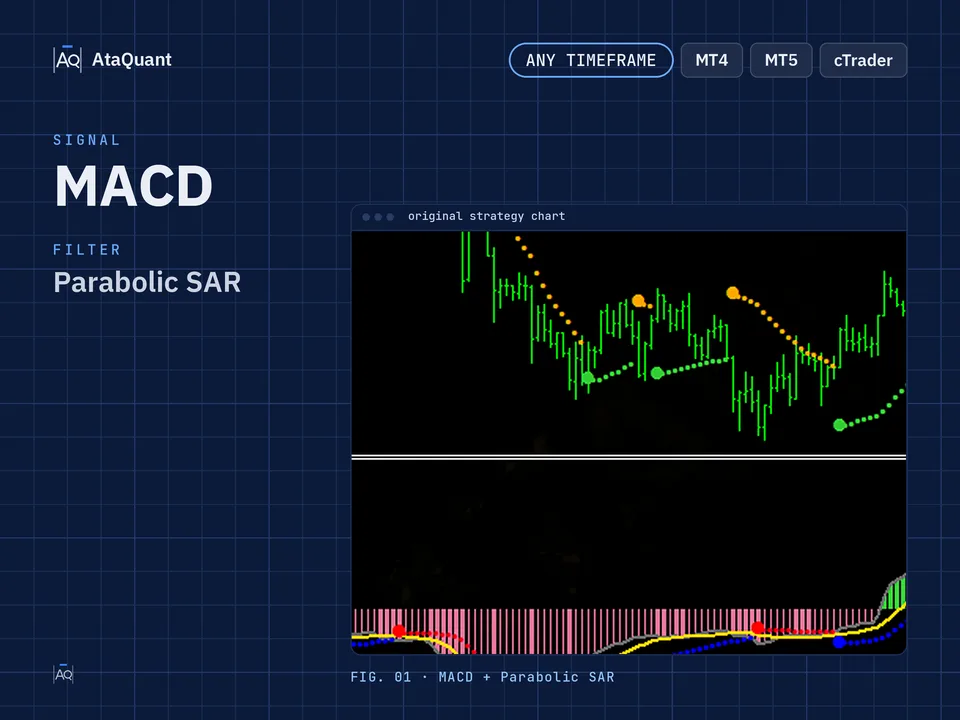
MACD & Parabolic SAR EA
MACD trend-reversal entries with a Parabolic SAR filter · Forex & crypto
- Signal
- MACD
- Filter
- Parabolic SAR
- Markets
- Forex · Crypto
Platforms: MT4MT5cTraderfrom $400
MACD, CCI & Xtreme Trend EA
MACD entries filtered by CCI and Xtreme Trend · Forex & crypto
- Signal
- MACD
- Filter
- CCI + Xtreme Trend
- Markets
- Forex · Crypto
Platforms: MT4MT5cTraderfrom $400