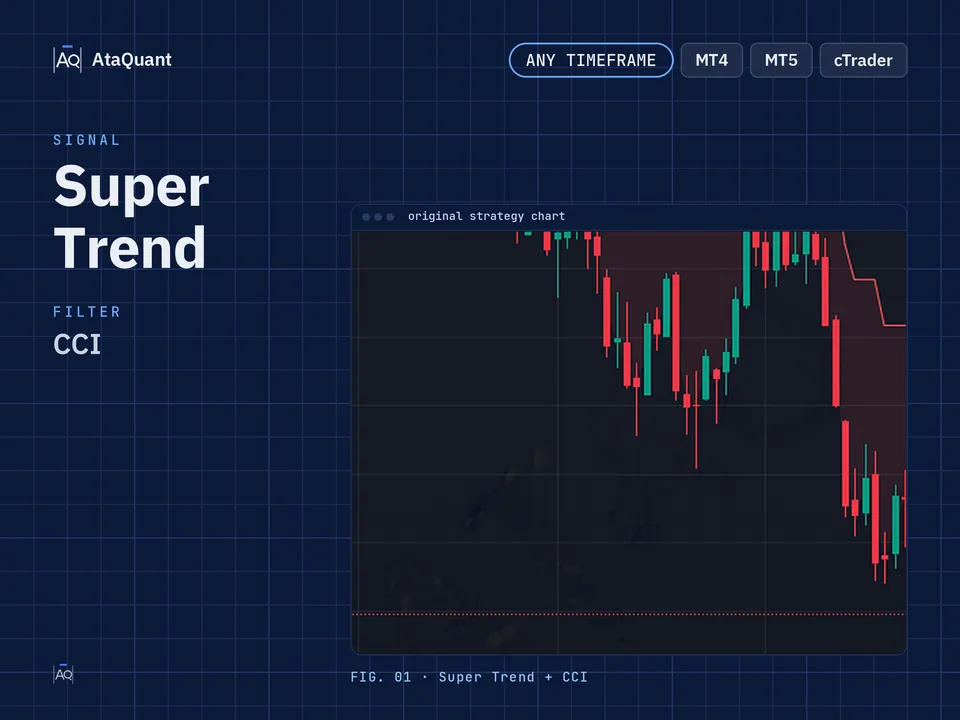
Trading Strategy based on Super Trend Indicator
Boost your trading results with the Super Trend Multi-Indicator Strategy — a powerful setup combining EMA200, Triple Super Trend, and CCI. Optimized for any timeframe, it helps traders achieve accurate entries and consistent profits.

Ready-made EA for this strategy is provided below — scroll to purchase
◊ Introduction to the Super Trend Trading Strategy
The Super Trend indicator is widely used for generating Buy and Sell signals, especially when a strong trend is forming. During trending market conditions, this tool gives its clearest signals. However, when the market enters a consolidation phase or moves sideways without a clear direction, the Super Trend indicator may issue multiple false signals that lead to losses.
Therefore, relying solely on the Super Trend indicator is not enough to build a reliable trading strategy. In this guide, you will learn how to overcome this weakness by combining Super Trend with additional filters such as the EMA200 and the CCI oscillator. By using these tools together, you can significantly improve the accuracy of entries and create a systematic strategy for both bullish and bearish market environments.

◊ Indicators Used
Apply the EMA200 Indicator
200-day exponential moving average (EMA200) indicator for market trend detection
Use the Super Trend Indicator
Three super trend indicators with different settings for valid entry and exit to the trade
Use the CCI Oscillator
The CCI oscillator that we used for further confirmation to enter the trade.
◊ The trading time frame of this strategy
This strategy can be used for any time frame.
◊ Inserting indicators in TradingView
Insert the above indicators in Trading View. To insert them, search for the name of each one from the Trading View Indicators section and add it to your Chart. Then make their settings as described next.
◊ Settings of indicators
EMA Indicator settings
As in the figure below, set the period length to 200.

Super Trend Indicator settings
First, we insert this indicator three times on the chart.
In each setting, the value of these two parts changes: ATR Period and ATR Multiplier
First Super Trend: ATR Period = 10 and ATR Multiplier = 1
Second Super Trend: ATR Period = 11 and ATR Multiplier = 2
Third Super Trend: ATR Period = 12 and ATR Multiplier = 3
As in the figure below:

Note: If using the free version of Trading View, you cannot insert more than three indicators. To solve this problem, instead of inserting the Super Trend indicator three times, use the Triple Super Trend indicator.

CCI Oscillator settings
Only in the STYLE section of this indicator do we set the upper and lower bands to zero so that the positive and negative CCI can be easily seen.
Upper Band = 0
Lower Band = 0

Want to Automate this Strategy? Check out Ready-Made Expert Advisor here
◊ How to open a long position with the Super Trend Setup
Precondition
As we said, EMA 200 determines the trend, and the first prerequisite and rule of this strategy is that in the upward, when the price is above EMA 200, we only pay attention to the long position among the buy and sell signals. And in the downward trend, which is the low price of EMA 200, we pay attention to and accept only the short position.
● Entry Rules
The following three conditions must be met. If all three are met, we will open a long position.
1-The first condition to satisfy involves confirming that the price remains above the EMA 200.
2-The second condition - if at least two of the three Super Trend indicator charts are green, the second condition is fulfilled.
3-The third condition - at the same time as the above two conditions, the CCI must also be positive.
●Exit Rules
We stay in the trade until at least two super trend indicator charts are red and the CCI is negative.
When the exit condition is established, your loss threshold is effectively triggered (the trade is closed with a profit or loss).

◊ How to open a Short position with the Super Trend Setup
● Entry Rules
The following three conditions must be met. If all three are met, we will open a short position.
The first condition - Compliance with the precondition means that the price must be below the EMA 200
The second condition - if at least two of the three super trend indicator charts are red, the second condition is fulfilled.
The third condition - at the same time as the above two conditions, the CCI must also be Negative.
●Exit Rules
We stay in the trade until at least two super trend indicator charts are green and the CCI is positive at the same time.
When the exit condition is established, your loss threshold is effectively triggered (the trade is closed with a profit or loss).

Tips and summary
1- Do not open actual trade before practicing and repeating this strategy in the demo account or past the chart.
2- Adhere to all the mentioned rules and open your transaction if all three conditions are met.
3- This strategy can be used for any time frame.
4- If the condition of exiting the transaction is established, in case of loss, accept the loss and close your transaction.
Conclusion
The combined Super Trend strategy presented in this tutorial helps reduce false signals by filtering market conditions and confirming entries through multiple criteria. When the rules are followed correctly and proper risk management is applied, this method can deliver consistent results across different timeframes.
It is strongly recommended to test this strategy in a demo account before using it in live trading. Always follow the entry and exit rules strictly and respect stop-loss limits to keep losses within your plan.
Looking for more? Discover our other forex trading strategies and see how they can fit your trading style.
Save time – automate your trades.
Why stick to manual trading when you can let automation work for you? We transform any strategy into a fully functional Expert Advisor. Or choose from our collection of ready-to-use EAs in the shop.
Visit our Expert Advisor Shop
Check out our Free Indicators here
The EA for this strategy
The rules above, coded as a ready-made Expert Advisor. See its inputs and platforms, or ask for a modification.