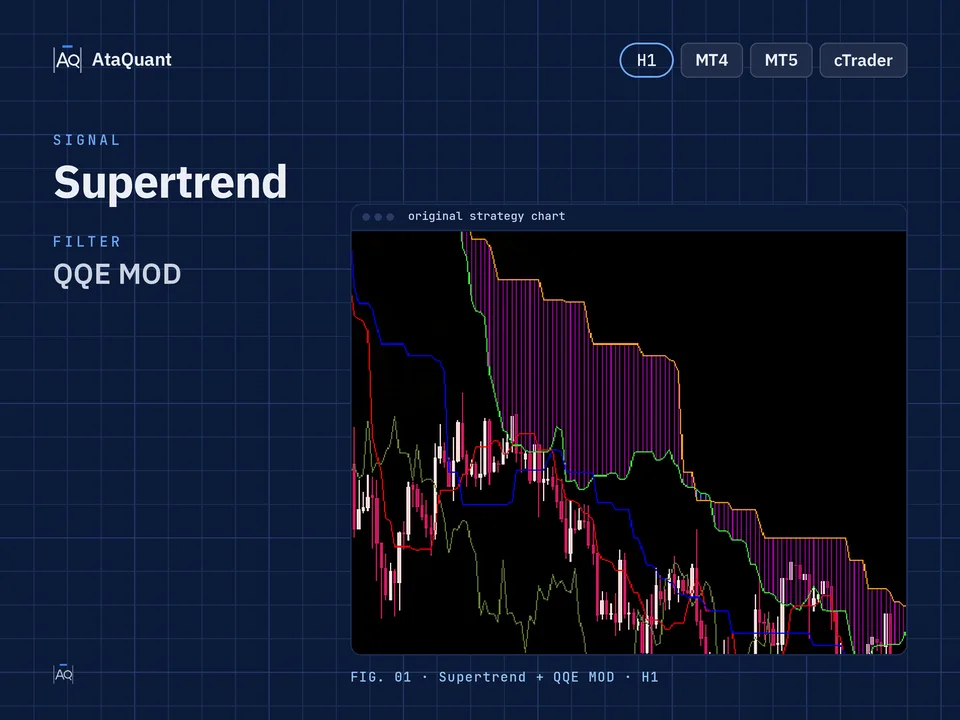
One-Hour Supertrend Trading Strategy
Boost your trading results with the One-Hour Supertrend Trading Strategy — a powerful setup combining Supertrend, QQE MOD, and Trend Indicator A-V2. Optimized for 1-hour trading, it helps traders achieve accurate entries and consistent profits.

Ready-made EA for this strategy is provided below — scroll to purchase
◊ Introduction to the SuperTrend Trading Strategy
In the world of trading, identifying the market trend early and following it consistently can significantly increase your chances of success. However, not every trader can accurately recognize the beginning or end of a trend. That’s where technical indicators such as the Supertrend come into play. The Supertrend indicator simplifies the process of spotting trend reversals and provides clear buy and sell signals.
In this strategy, we combine the Supertrend with two powerful confirmation tools — Trend Indicator A-V2 and QQE MOD — to create a reliable system for one-hour charts. This combination helps traders reduce false signals and improve entry timing, making it ideal for both beginners and experienced traders seeking higher accuracy in short-term trading.
◊ Indicators Used
Apply the SuperTrend Indicator
In this strategy, we will use the SuperTrend buy and sell signal.
Use the Trend Indicator A-V2
This is used to identify potential trends. In this strategy, it serves as confirmation of entry into the trade.
Use the QQE MOD Indicator
This indicator combines RSI and ATR data to identify trends and stabilize them. In this strategy, as with the indicator above, we use it as a confirmation of entry.

◊ The trading time frame of this strategy
This strategy can be used in a one-hour time frame.
◊ Inserting indicators in TradingView
Inserting the Trend Indicator A-V2 indicator in TradingView
To insert the Trend Indicator A-V2 indicator, search for its name in the TradingView indicators section and activate it on your chart, as shown below.

Inserting the QQE MOD indicator in TradingView
Locate the QQE MOD indicator authored by Mihkel00 as demonstrated below, and proceed to enable it on the chart.

◊ Settings of indicators
In this strategy, only the settings of the Supertrend indicator are changed, and the others are the same as the default settings.
Supertrend indicator settings: In the INPUTS section, change the following two inputs:
ATR Period = 9
ATR Multiplier = 3.9

Want to Automate this Strategy? Check out Ready-Made Expert Advisor here
◊ How to open a long position for using SuperTrend Setup
● Entry Rules
To open a long position, the following conditions must be met:
The first condition - the histogram must be blue in the QQE MOD indicator.
The second condition - in Trend Indicator A-V2, the indicator should be green.
The third condition - the super trend issues a buy signal.
We open a long position by establishing the above conditions.
●Exit Rules
Stop Loss: We consider the bottom of the Trend Indicator A-V2 as the stop loss.
Target or take profit: The profit of this trade is based on risk-to-reward, and the ratio of risk to reward can include one of the following, according to the riskiness of the trader:
1- One-to-one risk-to-reward (low-risk)
2- Risk to reward is one to one and a half (moderate risk)
3- Risk to reward one to two (high-risk)

◊ How to open a short position for using SuperTrend Setup
● Entry Rules
The following conditions must be met to make a short trade:
The first condition - the histogram must be red in the QQE MOD indicator.
The second condition - in Trend Indicator A-V2, the indicator should be red.
The third condition - the super trend issues a sell signal.
We open a short position by establishing the above conditions.
●Exit Rules
Stop Loss: We consider the top of the Trend Indicator A-V2 as the stop loss.
Target or take profit: The profit of this trade is based on risk-to-reward, and the ratio of risk to reward can include one of the following, according to the riskiness of the trader:
1- One-to-one risk-to-reward (low-risk)
2- Risk to reward is one to one and a half (moderate risk)
3- Risk to reward one to two (high-risk)

Note: The recommended time frame for this strategy is one hour.
Conclusion
The One-Hour Supertrend Trading Strategy offers a structured approach to trading with the trend while minimizing emotional decisions. By confirming Supertrend signals with the Trend Indicator A-V2 and QQE MOD, traders can filter out weak setups and focus on high-probability trades.
Although no strategy guarantees success in every market condition, applying this system with proper risk management and discipline can lead to consistent and sustainable results over time.
Experiment with the settings, backtest thoroughly, and adapt the method to your preferred trading style before going live.
Looking for more? Discover our other forex trading strategies and see how they can fit your trading style.
Professional tools for every trader
From custom Expert Advisor development based on your unique ideas to ready-made EAs built on documented strategies – we’ve got you covered. Find the solution that fits your style in our EA Shop.
Visit our Expert Advisor Shop
Check out our Free Indicators here
The EA for this strategy
The rules above, coded as a ready-made Expert Advisor. See its inputs and platforms, or ask for a modification.