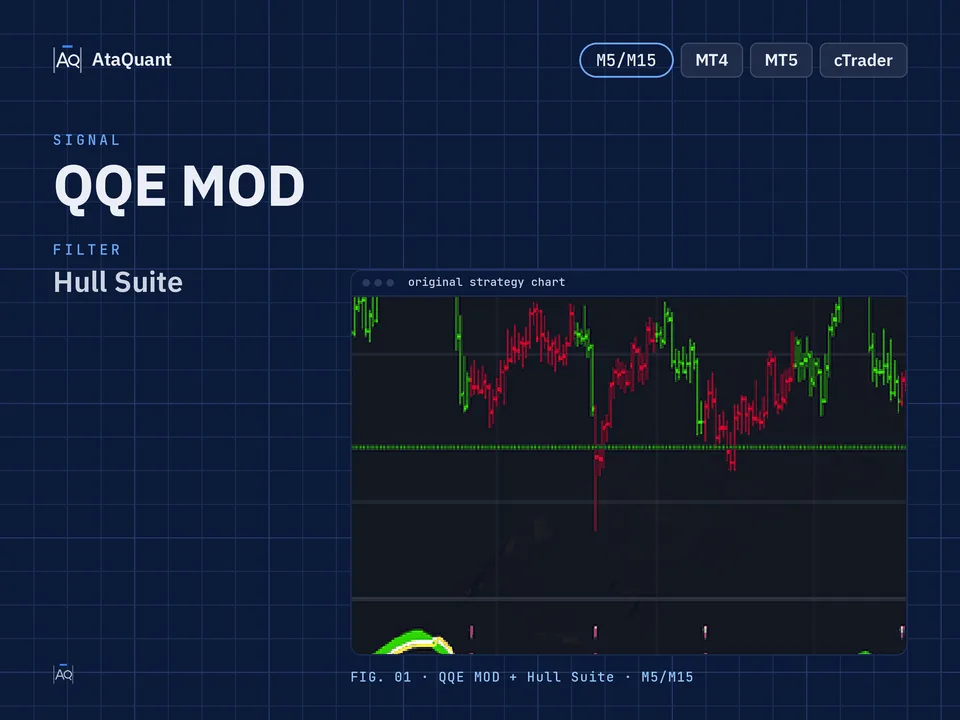
Trading strategy with QQE MOD indicator
Boost your trading performance with the QQE MOD Trading Strategy — a powerful setup combining QQE MOD, Hull Suite, and Volume Oscillator. Optimized for 5m–15m charts, it enhances accuracy and supports consistent, high-quality entries.

Ready-made EA for this strategy is provided below — scroll to purchase
◊ Introduction to the QQE MOD & Hull Suite Trading Strategy
The trading strategy based on the QQE MOD indicator is a powerful method for identifying short-term market trends and precise entry points. By combining three analytical tools — QQE MOD for generating the initial signal, Hull Suite for confirming the trend direction, and the Volume Oscillator for verifying trading volume — this strategy effectively filters out market noise and focuses only on high-quality signals. The synergy of these indicators makes this approach highly practical for scalpers operating on the 5-minute and 15-minute timeframes.
◊ Indicators Used
Apply the QQE MOD Indicator
The QQE MOD indicator analyzes market trends and identifies suitable entry and exit points. This indicator displays the market trend by showing a green and red histogram.
If the QQE MOD histogram turns green, the market trend is upward and a buy signal; if the histogram turns red, it indicates that the market is bearish and a sell signal.
After changing the color of the histogram of the QQE MOD indicator and issuing a buy and sell signal, we also use the following two indicators to reduce the false signals of this indicator:
Use the Hull Suite Indicator
To detect the market trend and confirm entry into the trade
Use the Volume Oscillator Indicator
The second confirmation of entry into the trade
To enter the transaction, there must be sufficient volume for trades. Therefore, when establishing the trading conditions, if the indicator of the Volume Oscillator is more than zero, it means there is enough volume in the market.

More learning:
1- STC and Hull Suite trading strategy
2- Hull Suite and CCI Trading Strategy
◊ The trading time frame of this strategy
This strategy can be used in a time frame of 5 minutes and 15 minutes.
◊ Inserting indicators in TradingView
Inserting the Hull Suite indicator in TradingView
In the TradingView environment, in the indicators section, search for the term Hull Suite, made by InSilico, as shown in the image below, and activate it on the chart.

Inserting the QQE MOD indicator in TradingView
In the TradingView environment, in the indicators section, search for the term QQE MOD and activate it, as shown on the chart. The author of this indicator is Mihkel00.

◊ Settings of indicators
Hull Suite Indicator settings
In the INPUTS section, change the following two inputs, as shown in the image:
Length = 60
Length multiplier = 3

The settings of other indicators should be the same as the default settings.
Learn more:
1- QQE signals trading strategy
2- Enhanced Trading Strategy Using Supertrend, SSL, and QQE MOD Indicators
Want to Automate this Strategy? Check out Ready-Made Expert Advisor here
◊ How to open a long position for using the QQE MOD & Hull Suite Setup
● Entry Rules
To make a long trade, the following conditions must be met at the same time:
The first condition - a blue histogram should appear in the QQE MOD indicator.
The second condition – the Hull Suite indicator is green.
The third condition - Volume Oscillator indicator should be more than zero.
We will open a long position by fulfilling all the above conditions.
●Exit Rules
Stop Loss: We consider the closest support as the stop loss.
Target or take profit: The profit of this trade is based on risk-to-reward, and the ratio of risk to reward can include one of the following, according to the riskiness of the trader:
1- One-to-one risk-to-reward (low-risk)
2- Risk to reward is one to one and a half (moderate risk)
3- Risk to reward one to two (high-risk)

◊ How to open a short position for using the QQE MOD & Hull Suite Setup
● Entry Rules
The following conditions must be met to make a short trade:
The first condition - a red histogram should appear in the QQE MOD indicator.
The second condition – the Hull Suite indicator is red.
The third condition - Volume Oscillator indicator should be more than zero.
We open a short position by fulfilling all the above conditions.
●Exit Rules
Stop Loss: We consider the closest resistance as the stop loss.
Target or take profit: The profit of this trade is based on risk-to-reward, and the ratio of risk to reward can include one of the following, according to the riskiness of the trader:
1- One-to-one risk-to-reward (low-risk)
2- Risk to reward is one to one and a half (moderate risk)
3- Risk to reward one to two (high-risk)

Learn more:
1- Trading strategy with Hull Suite indicator
Note: The time frame for using this strategy is 5 minutes and 15 minutes.
Conclusion
Overall, this strategy provides a structured and reliable framework for entering and exiting trades by integrating trend confirmation, volume analysis, and momentum signals. The three-step confirmation process significantly reduces false signals and enhances decision-making accuracy, especially for traders working in lower timeframes. Setting the stop loss based on the nearest support or resistance level, along with predefined risk-to-reward ratios, ensures optimal risk management. If you are looking for a simple, efficient, and actionable strategy for scalping and short-term trading, this method can be a strong choice.
Looking for more? Discover our other forex trading strategies and see how they can fit your trading style.
All-in-one trading resources.
From free custom indicators to ready-to-use Expert Advisors, we provide everything you need to trade smarter. Got your own idea? Let us build a tailored EA that follows the rules of your strategy.
Visit our Expert Advisor Shop
Check out our Free Indicators here
The EA for this strategy
The rules above, coded as a ready-made Expert Advisor. See its inputs and platforms, or ask for a modification.