Awesome oscillator trading strategy
Boost your trading results with the Awesome Oscillator Strategy — a powerful setup combining Awesome Oscillator, HalfTrend, and RSI filters. Optimized for 15-minute trading, it enhances accurate entries and consistent trend-based profits.

Ready-made EA for this strategy is provided below — scroll to purchase
◊ Introduction to the 15-Minute Awesome Oscillator Scalping Strategy
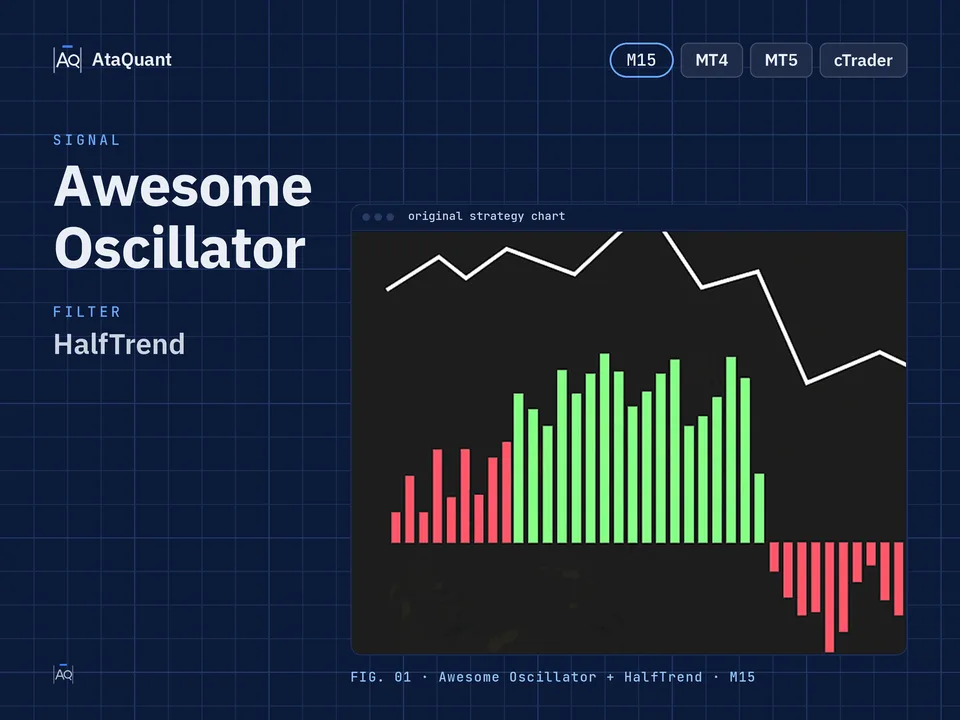
The Awesome Oscillator is a potent and valuable tool for analyzing and generating buy and sell signals. It employs two distinct moving averages over different time intervals to conduct its calculations and generate distinctive, influential signals.
Among these trading signals is the color shift between positive and negative zones. When the color transitions from red to green within the negative region, forming a valley, it indicates a buy signal. Conversely, when the color changes from green to red within the positive region and forms a peak, it signifies a sell signal.

◊ Indicators Used
Apply the Awesome Oscillator Indicator
In this trading strategy, the foundation for initiating a trade relies on the signals generated by the Awesome Oscillator. To enhance the reliability of these signals, we incorporate the following indicators to filter out false signals.
Use the Half Trend Indicator
To confirm entry into the transaction and trade in the direction of the market trend
Use the RSI Indicator
Used for identifying the primary market trend.

Learn more:
1- A Powerful Trading Strategy Utilizing the Half Trend, Stochastic, and RSI Indicators
2- The VWAP and RSI Trading Strategy
◊ The trading time frame of this strategy
The recommended time frame for using this strategy is 15 minutes.
◊ Inserting indicators in TradingView
Inserting the HalfTrend indicator in TradingView
To insert the HalfTrend indicator in the TradingView environment, from the indicators section, search for the HalfTrend name as shown below and activate it. Make sure that the author of this indicator is everget, as shown below.

Learn more:
1- RSI stochastic trading strategy
2- 5-Minute Scalping Strategy with Stochastic RSI
◊ Settings of indicators
Awesome Oscillator Indicator settings
The Awesome Oscillator settings are the same as the default settings.
HalfTrend Indicator settings
In the STYLE section, as in the image below, we inactive some options.

RSI Indicator settings
In the STYLE section, we fill in the middle line 50 to be seen more clearly.

Learn more:
1- Optimal Trading Strategy for Exiting Overbought and Oversold Zones in the RSI Oscillator
2- An Easy-to-Follow RSI Trading Strategy
Want to Automate this Strategy? Check out Ready-Made Expert Advisor here
◊ How to open a long position for the 15-Minute Scalping Setup
● Entry Rules
To make a long trade, the following conditions must be met:
The first condition – the Awesome Oscillator on the negative side should change color from red to green.
The second condition – the Halftrend indicator changes from red to blue.
The third condition – the RSI indicator should be more than 50.
By establishing all three conditions, we open a long position.
●Exit Rules
Stop Loss: We consider the blue points of the Halftrend indicator, which is ATR LOW, as the stop loss.
Target or Take profit: the profit of this type of trade is considered based on the ratio of risk to reward, one to one or one to two in a more risky situation.

◊ How to open a short position for the 15-Minute Scalping Setup
● Entry Rules
To make the short trade, the following conditions must be met:
The first condition – the Awesome Oscillator should change color from green to red on the positive side.
The second condition – the Halftrend indicator- changes color from blue to red.
The third condition - the RSI indicator should be less than 50.
By fulfilling all three conditions, we will open a short position.
●Exit Rules
Stop Loss: We consider the red points of the Halftrend indicator, which is ATR HIGH, as the stop loss.
Target or take profit: the profit of this type of trade is considered based on the ratio of risk to reward, one to one or one to two in a more risky situation.

Note: The recommended time frame to use this strategy is 15 minutes.
Conclusion
The Awesome Oscillator trading strategy provides traders with a structured and reliable framework for identifying high-probability entry and exit points. By combining the Awesome Oscillator with the HalfTrend and RSI indicators, this strategy effectively filters out false signals and aligns trades with the dominant market trend.
Using a 15-minute timeframe makes it particularly suitable for short-term traders who seek frequent yet high-quality setups. The clear rules for both long and short positions, along with well-defined stop-loss and take-profit criteria, allow for disciplined and consistent trade execution.
Overall, this strategy balances simplicity with accuracy, making it a practical choice for traders who want to enhance their decision-making using indicator confluence rather than relying on a single signal source.
Looking for more? Discover our other forex trading strategies and see how they can fit your trading style.
Save time – automate your trades.
Why stick to manual trading when you can let automation work for you? We transform any strategy into a fully functional Expert Advisor. Or choose from our collection of ready-to-use EAs in the shop.
Visit our Expert Advisor Shop
Check out our Free Indicators here
The EA for this strategy
The rules above, coded as a ready-made Expert Advisor. See its inputs and platforms, or ask for a modification.